
If you do not use Single Sign-On (SSO) at your location and need to change your password for Anesthesia Touch, you can do so in WebAdmin by doing the following:
- Log in to your site's WebAdmin by going to [yoursite].plexus.cloud.
- Click Admin and Change Password.
- In the pop-up window, enter the current password, new password, and new password again.
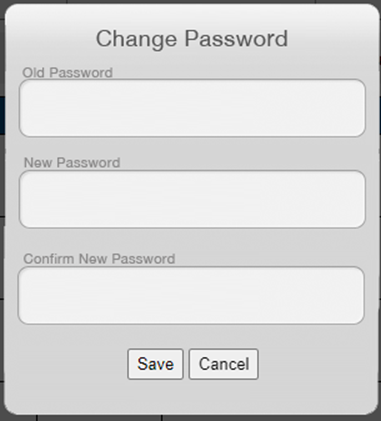
- Click Save.
If you have forgotten your password, ask your administrator to reset it for you.