
If case times need to be updated or changed, you can open the record to re-chart them. To begin, open the record from Patient List and do the following in IntraOp:
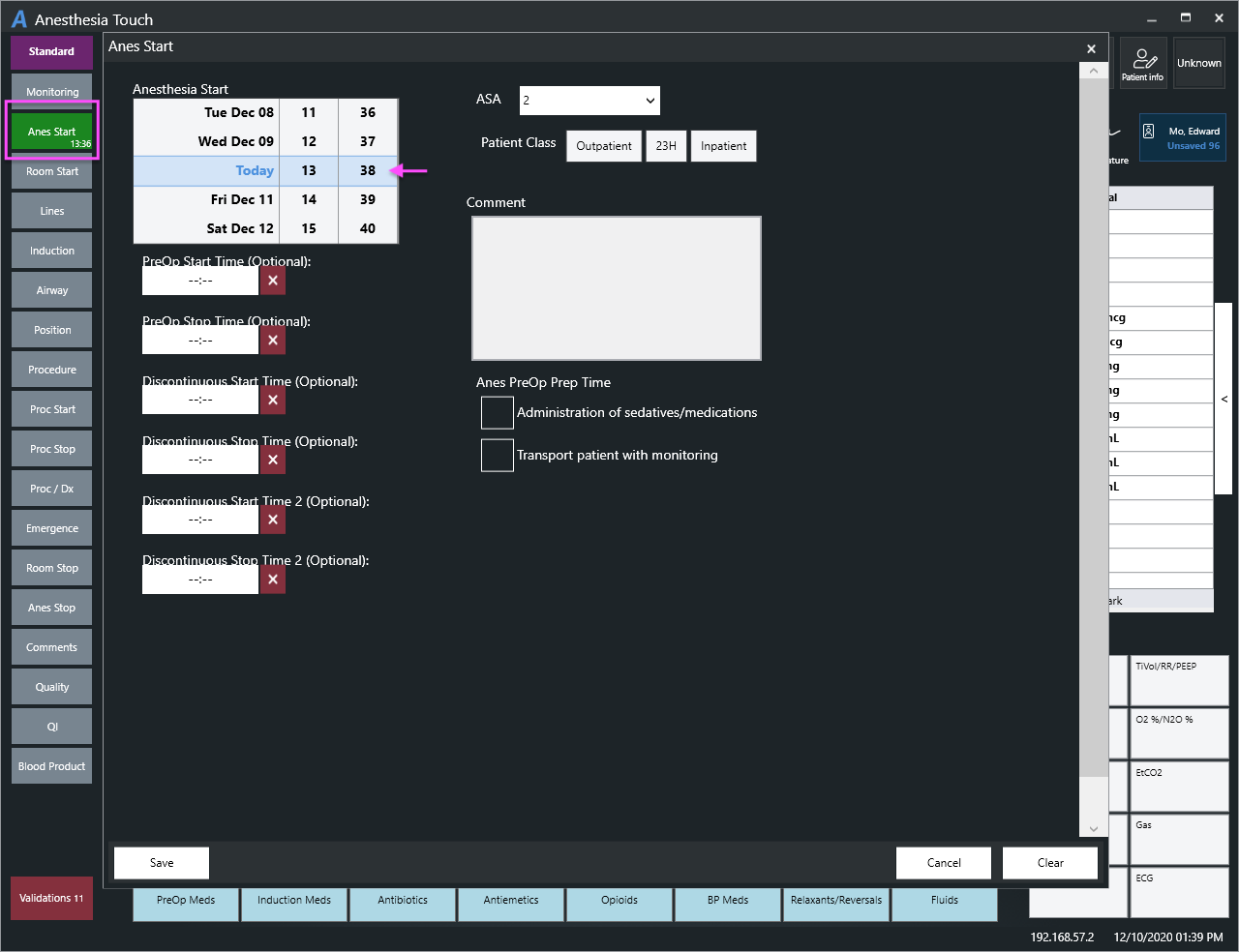
- Select the macro that needs to updated, such as the "Anes End" macro (see screenshot)
- In the macro, select the impacted time and change it
- In the macro, either at the top (iPadOS) or bottom (Windows) select "Save"
Chart any additional items that need to be updated and then close as normal.
If only the PDF displays in Anesthesia Touch, the record has been finished and has proceeded in the documentation workflow. Learn more about adding an addendum to a completed record or about unlocking a record.