
- Navigate to your organization's WebAdmin site <sitename>.plexus.cloud on a web browser.
- Select "Admin".
- Sign in using your credentials. These are the same credentials you use to log in to Anesthesia Touch.
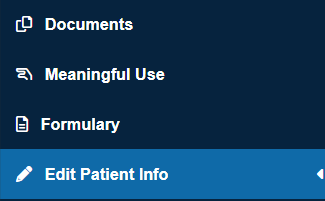
- By default, you will appear on the "Documents" page. Select "Edit Patient Info" on the left toolbar.
- Search for the patient by entering the MRN or Account Number and selecting "Go".

- Select the
 icon in the "Edit" column for the patient you wish to edit.
- From this window you can edit the following information:
- MRN
- First Name
- Middle Name
- Account Number
- Last Name
- Date Of Birth

- Select "Save" when you are finished.