Pharmacists and technicians can view drug usage information for procedures in WebAdmin by doing the following:
- Click Formulary and Pharmacy Usage Reports.
- Click in the From box to choose a date and time and click Done.
- This defaults to today’s date at midnight.
- Click Now to input the current time. Otherwise, use the sliders to pick the time of the procedure.
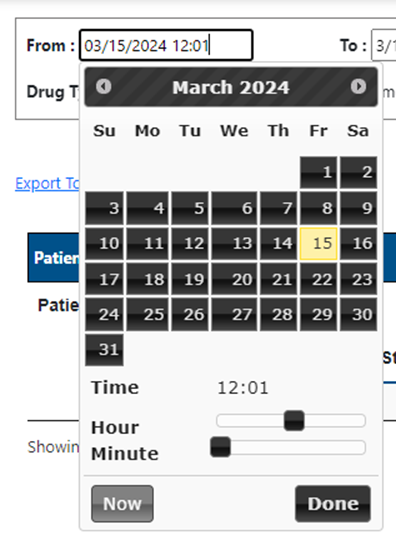
- Click in the To box to input the end date and time.
- This defaults to today’s date at 11:59 p.m.
- Click Go.
- You can filter by the following:
- Patient account number or MRN
- Operating room number
- Drug type
- Problems
- Room drugs
- Exception documented cases
Additional Features
- Click Export to Excel to download a spreadsheet of the report.
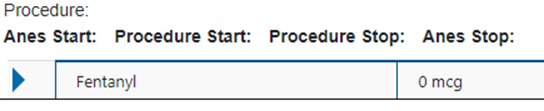
- Click the left arrow to open a record and see the drug details.

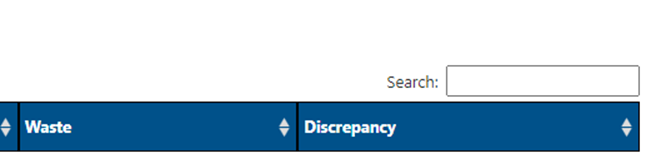
- Type in the Search box to the right to filter by:
- Patient name
- MRN
- Account number
- Location
- Drug name