Prerequisites:
Admin role
Instructions:
To remove individual appointments from the schedule in AT WebAdmin please follow the instructions below.
- In the web browser, navigate to your site’s URL, for example, https://[yoursite].plexus.cloud
- On your site’s landing page, select the “Admin” tile
- You will be asked to sign in.
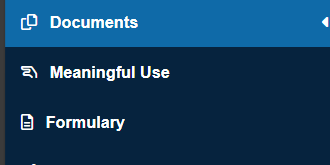
- After signing in you will be taken to the "Documents" tab by default unless you have a pharmacy role. Additionally, the URL for the documents tab is https://[yoursite].plexus.cloud/Anesthesia/DocsReview.aspx.
- From here, find any appointments you would like to remove and gather the MRN's for the patients.
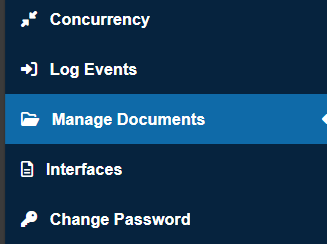
- Navigate to the "Manage Documents" tab (Admin role required).
- Enter the patient MRN in the "Please enter MRN / Account#" box and select "Go".
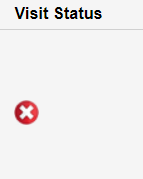
- Under "Visit Status" select the red X on the appointment record.