
Site administrators can edit users in WebAdmin for reports, interfaces, and quality submissions. This information includes but is not limited to details such as:
- NPI
- Billing ID
- Contact details
- Roles
- Username and password
Edit a User Profile
- Log in to your site's WebAdmin by going to [yoursite].plexus.cloud.
- Click Admin and Users.
- Click the pencil icon next to the user’s name.

- You can also search for the user's name at the top.

- If you do not see the user, check the box next to Show Inactive.
- You can also search for the user's name at the top.
- Update any details on the user’s profile.
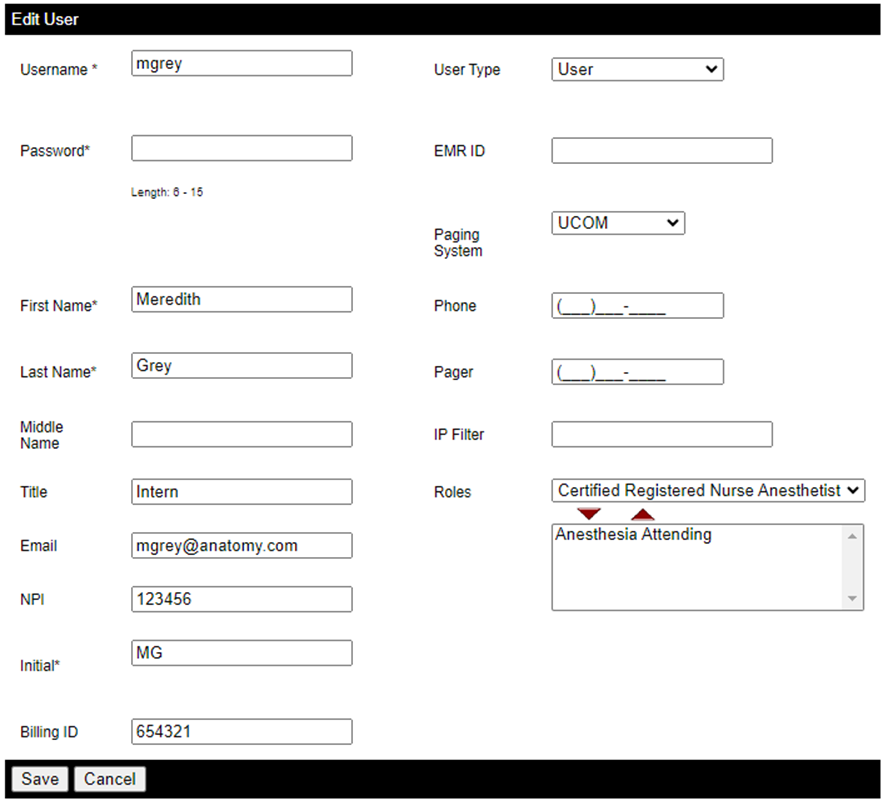
- Click Save.
Remove a User
You can mark a user inactive by doing the following:
- Type the user's name in the search bar at the top and click the magnifying glass icon.

- If you do not see the user, then the user is either already inactive or does not exist.
- Click the red X icon next to the user’s name.
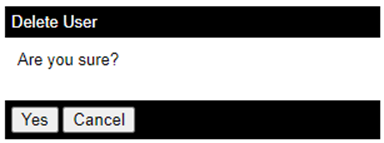
- In the pop-up box, click Yes.

To reinstate an inactive user, check the box next to Show Inactive and click the green arrow icon.