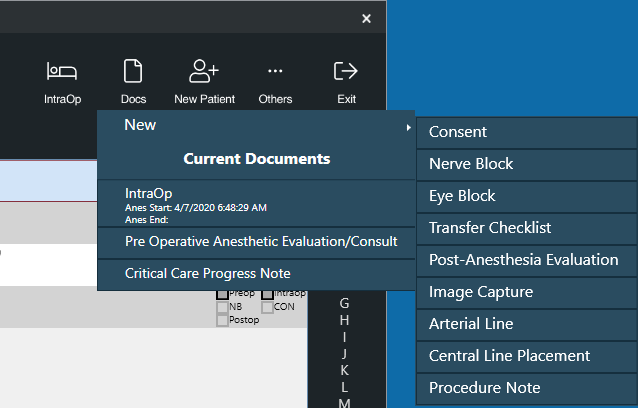
To add a new document to a patient record, do the following:
- In the Patient List, select the patient for whom the document applies (this can be a New Patient)
- Select the “Documents” button and the specific document
- When the selected document opens, begin charting
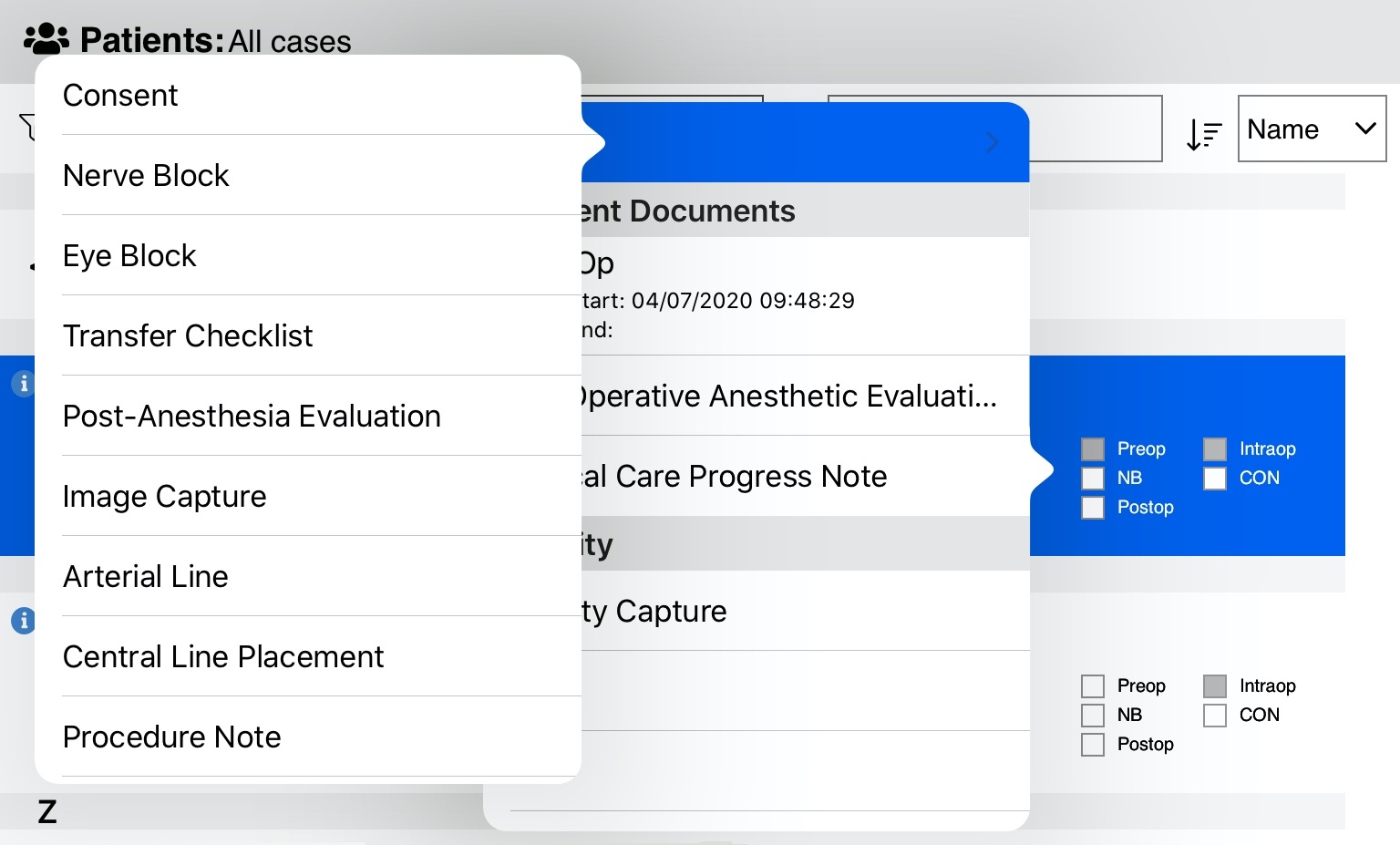
On iOS, you can select an existing document or create a new one by selecting the Document Status checkboxes in an appointment row: a pop-up of documents will appear:
Document Menu on Windows: