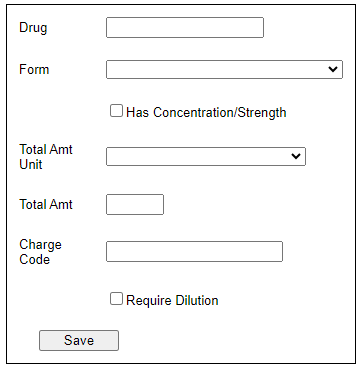
Pharmacists and technicians can edit and add drug packages to the Anesthesia Touch formulary in WebAdmin. Click the Excel button to download a spreadsheet of the drug packages.
Editing a Drug Package
- Click Formulary and Drug Packages.
- Type the name of the package in the search box at the top of the list.
- Note: Just typing the beginning letters will filter the list and show you the drug you are looking for.
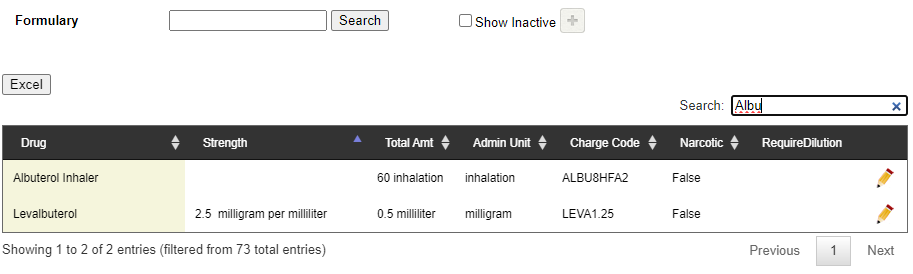
- If you do not see the package, it may be inactive. Check the box next to Show Inactive to see all packages.
- Note: Just typing the beginning letters will filter the list and show you the drug you are looking for.
- Click the pencil icon to edit the package and click Save.
- You may only change the Charge Code.
- You can remove the package by clicking Delete.
Adding a New Package
To add a new drug package, do the following:
- Click the plus sign at the top of the list.

- In the Drug field, type the first few letters of the drug name and select the appropriate drug from the list.
- The drug must exist in the formulary before you can do this.
- Select the form the drug takes, the unit, and the amount.
- Type the Charge Code and click Save.