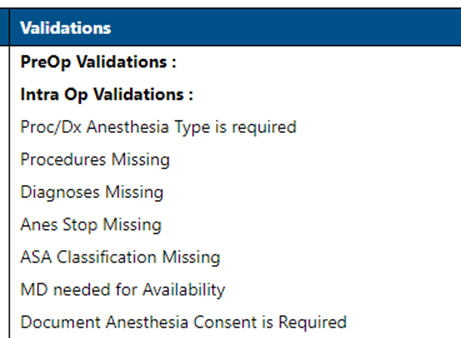
To view the validation report for past procedures in WebAdmin, do the following:
- Click Documents and Validation Report.

- Click the date in the From field to select the start date.
- Click the date in the To field to select the end date.
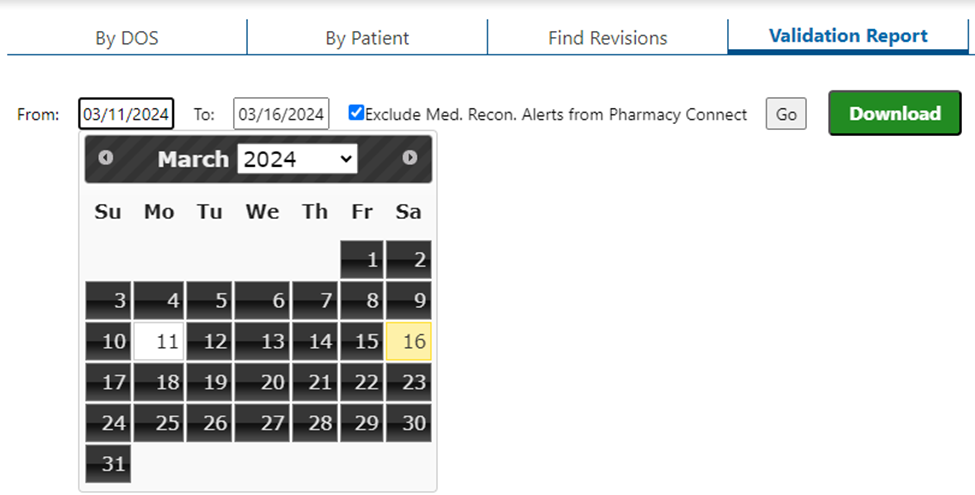
- To view reports from Pharmacy Connect, uncheck Exclude Med. Recon. Alerts from Pharmacy Connect and click Go.
- If you do not wish to preview the report and only want to save it, click Download.
- The Validations for each patient will be displayed. Click Download to save the report as an Excel document.
- To filter out successful validations, select Failed validations only from the Show menu.
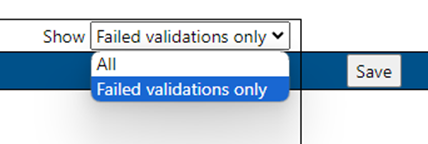
- To filter out successful validations, select Failed validations only from the Show menu.