
You can search for a specific patient in WebAdmin by doing the following:
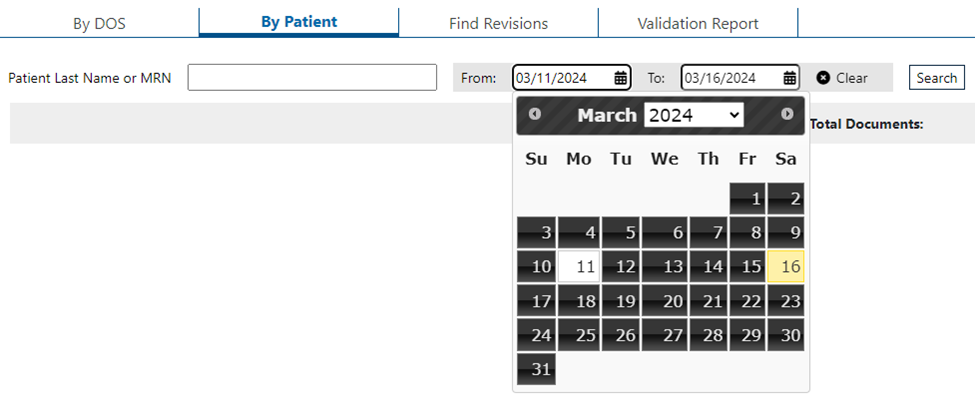
- Click Documents and By Patient.
- Enter the patient’s last name or the MRN in the field.


- Click the date in the From field to select the start date.
- Click the date in the To field to select the end date and click Search.
- Click Clear to clear From and To fields.
- Click Clear to clear From and To fields.
- The patient’s records will be displayed. Click the link to the document to view it.