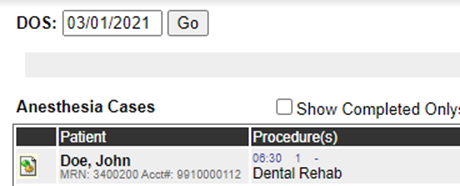
Pharmacists and technicians can access the pharmaceutical records of cases in WebAdmin by doing the following:
- Click Pharmacy Documents.
- Click in the DOS field to find the day of surgery and click Go.
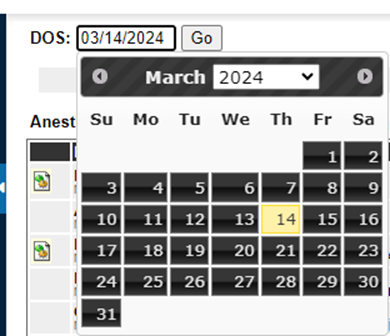
- Uncheck the Show Completed Only box to see incomplete procedure records.
- Select a provider’s name in the Provider menu to filter the report.
- Click Load.
- Click Print All Records to create a PDF of the reports.
- Click the green and yellow gear icon to create a PDF of a single report.